Ingest
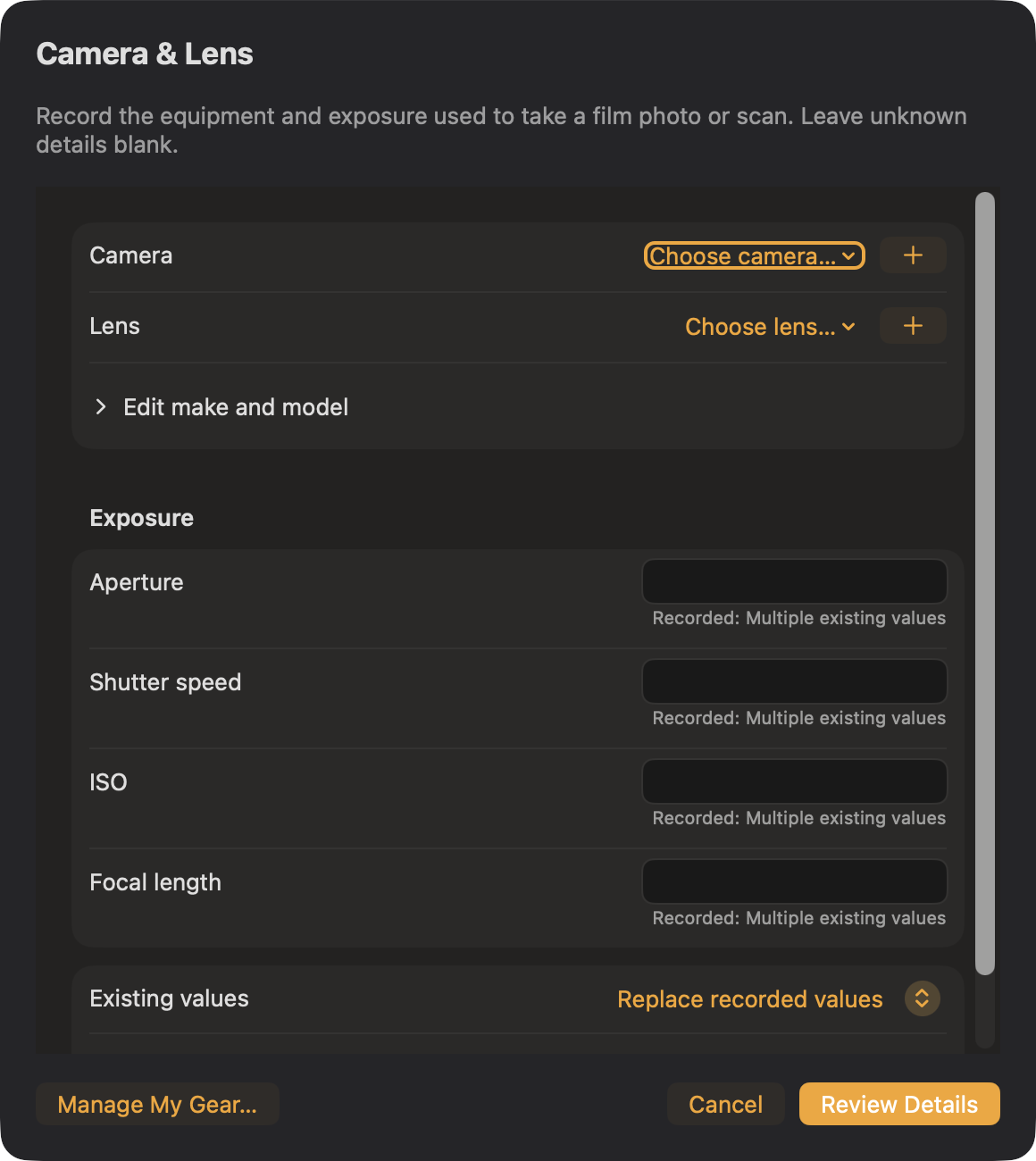
Choose Camera & Lens… in Metadata Assist. Pick saved equipment from My Gear, search the offline camera/lens catalog, or save a custom make and model. Enter known aperture, shutter speed, ISO, and focal length; leave unknown details blank. Shutter speed accepts a fraction such as 1/125 or seconds.
Fill missing values preserves recorded metadata. Choose Replace recorded values when the scan describes the scanner instead of the taking camera. Review Details returns to Metadata Assist before Apply. JPEG/TIFF edits and RAW sidecars use verification and Undo. During ingest, the details go to verified copies. My Gear is saved on this Mac and does not yet sync with Ingest Field.