 Ingest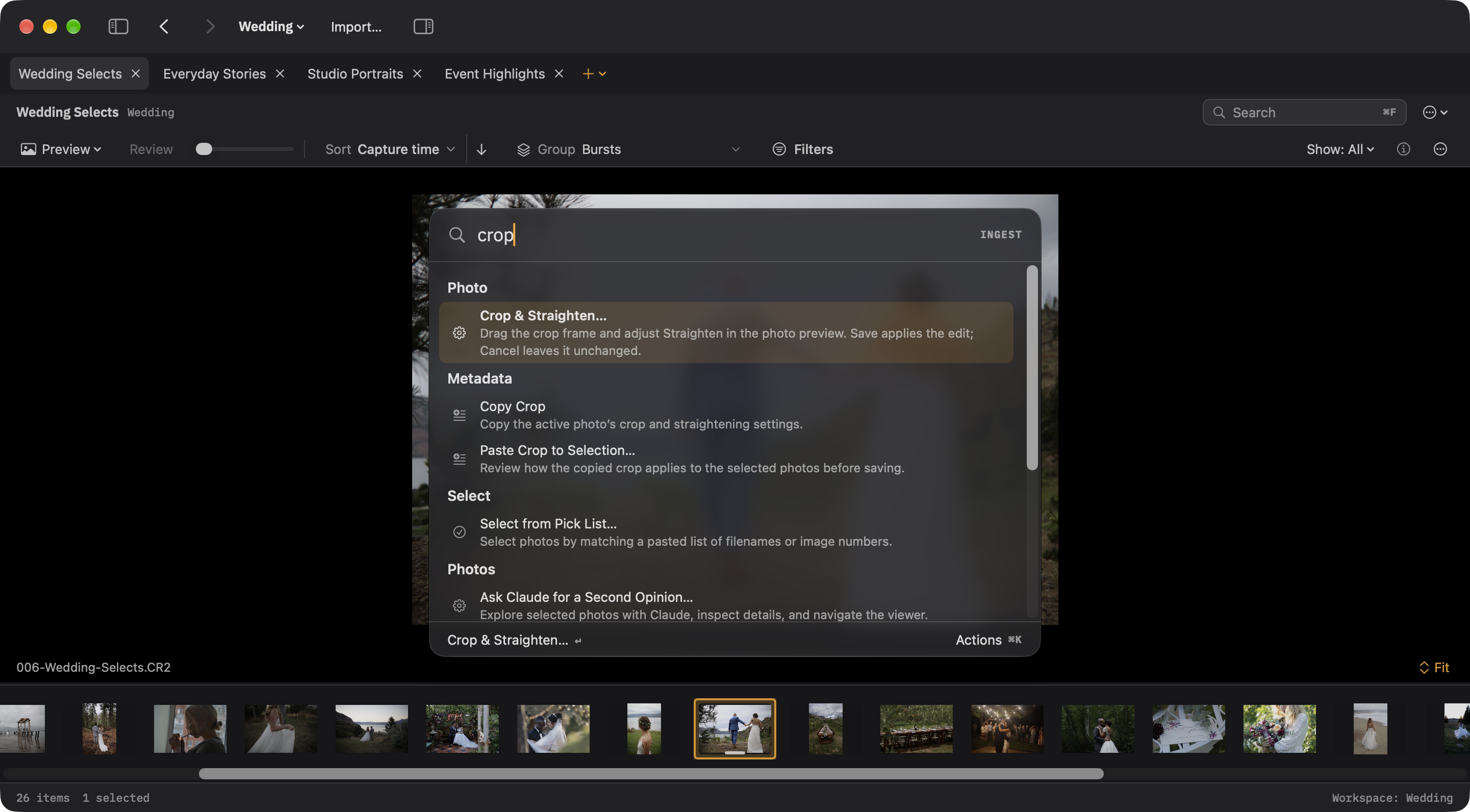
Select a writable photo and choose Crop & Straighten in Preview, the photo context menu, or ⌘K. Drag a frame corner to crop, drag inside to reposition, choose an aspect ratio, and use Straighten to adjust the angle. Save records reversible crop geometry; Cancel discards the draft. Copy Crop and Paste Crop to Selection reuse a composition after reviewing the affected photos.