 Ingest
Space opens the large view, and Space again closes it. ⌘1, ⌘2, and ⌘3 switch between grid, preview, and both at once.
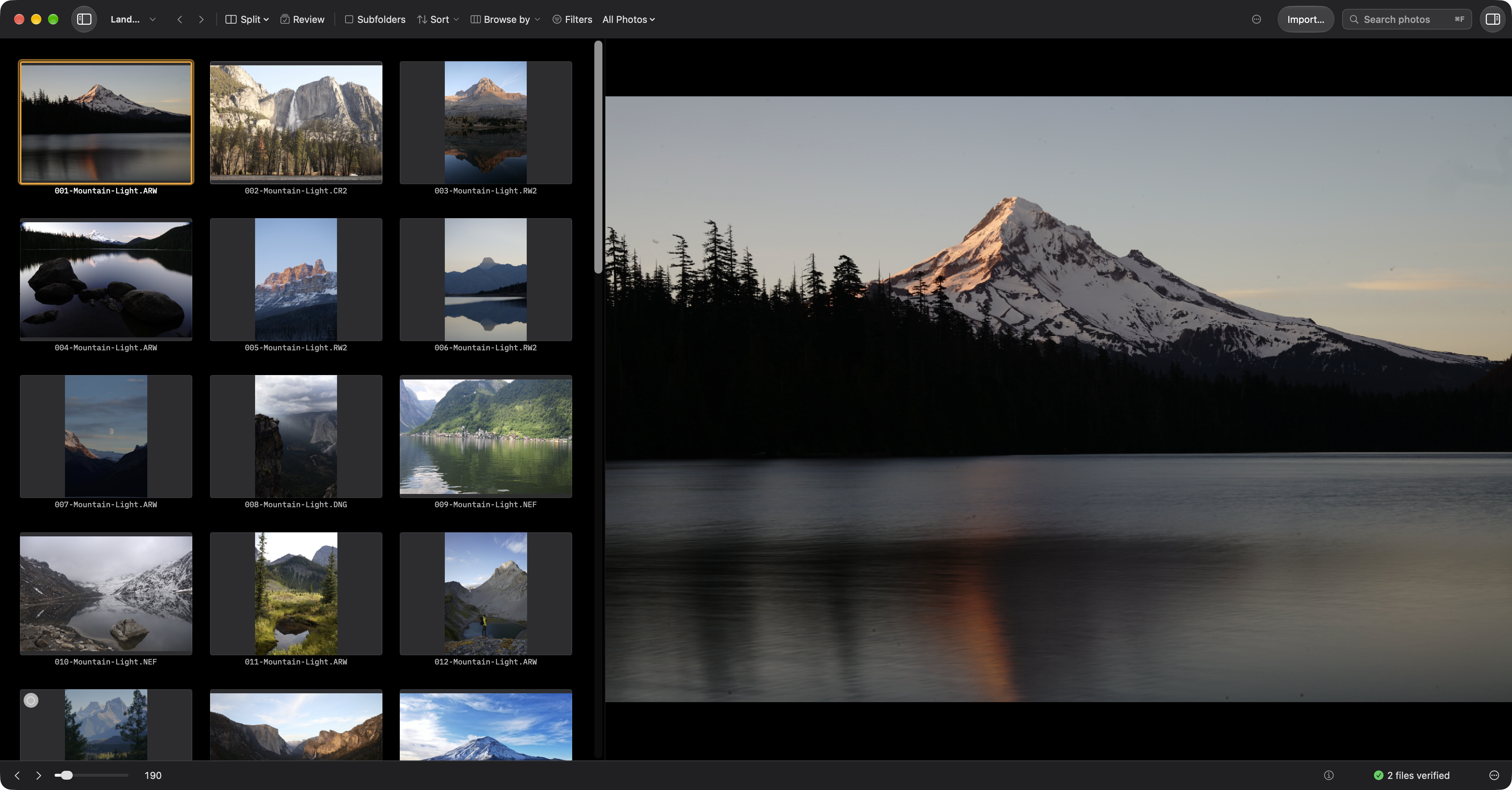
In the grid, hold Z over a thumbnail to show the loupe, then release to dismiss it. Hovering does not change selection. Loading or limited-resolution labels tell you when full detail is not available. The View menu can keep Grid Loupe enabled; Settings holds its size and magnification.
In Preview, Z goes to 100% at the pointer, so whatever is under the cursor stays under the cursor, and Z again returns to fit. ⌥1, ⌥2, and ⌥4 are fixed zoom levels, and ⇧F fits. F toggles Focus mode. A pinch, a two finger drag, and a two finger double tap do the same things.
The zoom is sticky as you move between photographs, which is the point: you set 100% on an eye, then arrow through five frames and compare the same eye in each.
In ordinary preview mode, at 100% Ingest shows the full size JPEG from inside the raw file, whose size depends on the camera and recording mode. When a raw file's preview is smaller than its JPEG twin, Ingest uses the twin, and the information overlay tells you which pixels you are actually judging.