 Ingest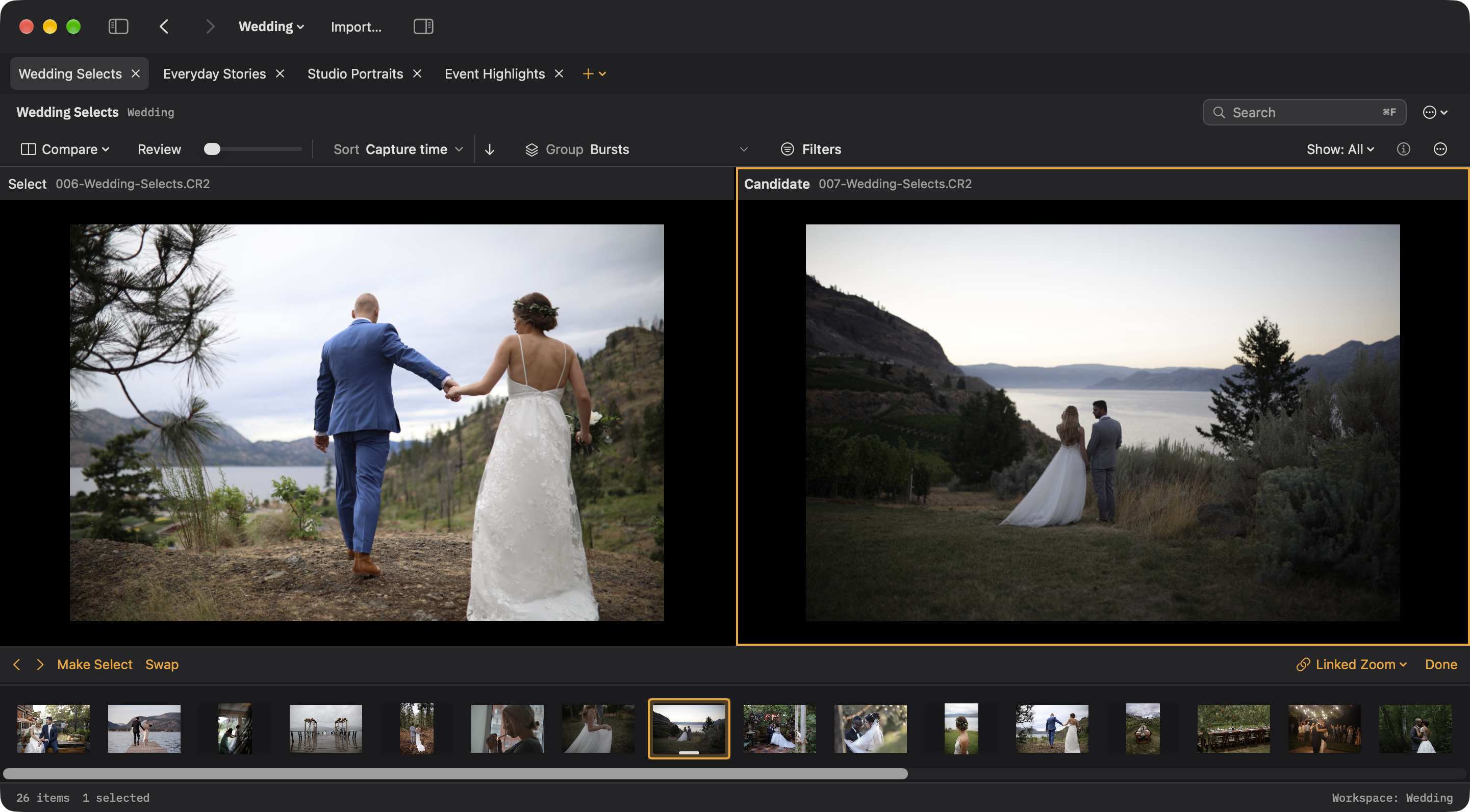
C opens Select on the left and Candidate on the right. Candidates come from an explicit multiselection, then the current stack, then the filtered source. Left/right changes Candidate while Select stays fixed; Up makes Candidate the Select and advances, and Down swaps the pair. Promotion does not tag a photograph.
Click either pane to choose the target for tag, rating, and label commands. The active border identifies that target. Linked Zoom keeps inspection aligned; turn it off to inspect each photo independently. Done or Esc returns to the preceding layout with Select selected.
N opens Survey: the whole current stack, twelve frames per page, or up to six selected photographs. Double-clicking a stack in the grid or filmstrip opens this same whole-stack view. Survey arrows stay within the set.
Hold B to temporarily inspect Select. Outside Compare, it uses the first tagged photograph in the current group. Releasing B restores the previous view.