Ingest
- Open the relevant folder or Photos collection and confirm the photos currently available for review.
- Find Select from Pick List… in ⌘K.
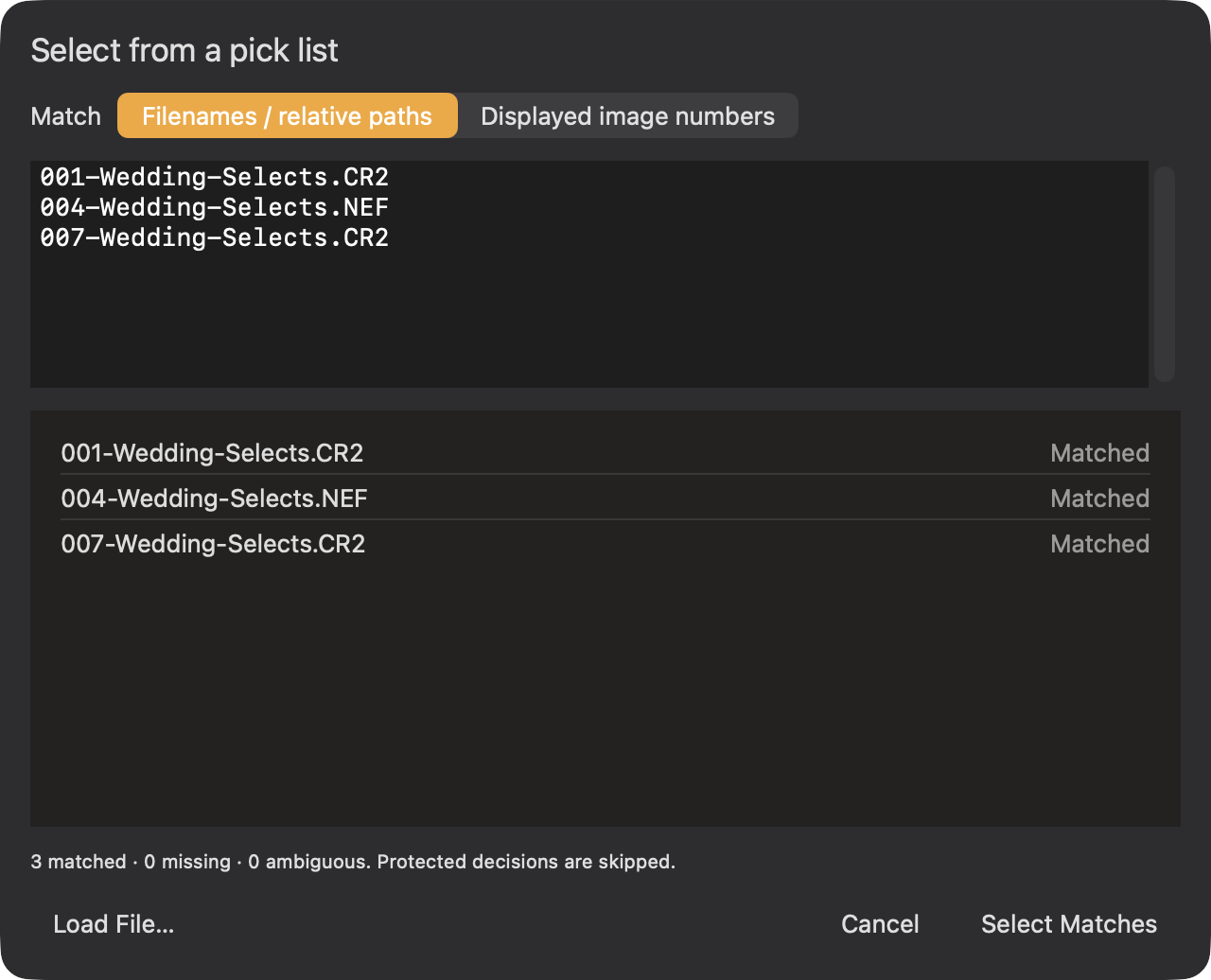
- Choose Filenames / relative paths or Displayed image numbers. Paste the list, or choose Load File… for a saved text list.
- Review matched, missing, and ambiguous entries. Choose Select Matches to select uniquely matched photos.
Image numbers refer to the current displayed review order, not necessarily the numeric part of a camera filename. Use filenames or relative paths when order may have changed. Matching creates a selection; it does not automatically tag, export, or send the photos.
Ingest decision files are a separate use of the same sheet. Their review shows current and proposed tags, ratings, labels, and reviewed state before Apply Decisions. Protected decisions are skipped.